3D Castle Crashers - Weapons in seperate post
For my summer personal project, I decided to learn a new skill by modeling and texturing a game-ready character from Castle Crashers. Going forth from my phone project, I used Miro to create a mood board from the characters in-game, to advertising, to other 3d renders. Once this was done I used a 3ds max tutorial to start the chest as a foundation and later on the hands. besides that, I modeled the other parts on my own alongside unwrapping. A new skill I picked up was stitching together seams during the unwrapping process to avoid seams during the texturing work which worked out well and helped the chest avoid seam issues. I tried to use Zbrush to sculpt additional details but i could get the software to work sadly. The main majority of the character was done through the texture work. I decided to stick exactly to the in-game characters whilst adding imperfections such as scratches, cracks, and bumps, specifically on the head. after the materials were applied, I placed the decals (cross and eyes) on the UV map. keeping in line with the characters, I decided to make different texture sets based on the color of the character (Blue, red, green, yellow) on the helmets and crosses. This would also be shown with the shield. after finishing touches were applied (AO, lighting) I rendered in marmoset with 4096x4096 textures, using mixamo poses applied to the character which went well despite some clipping issues. Overall this character went extremely well for my first ever 3D character and taught me the basics of sculpting for future work.
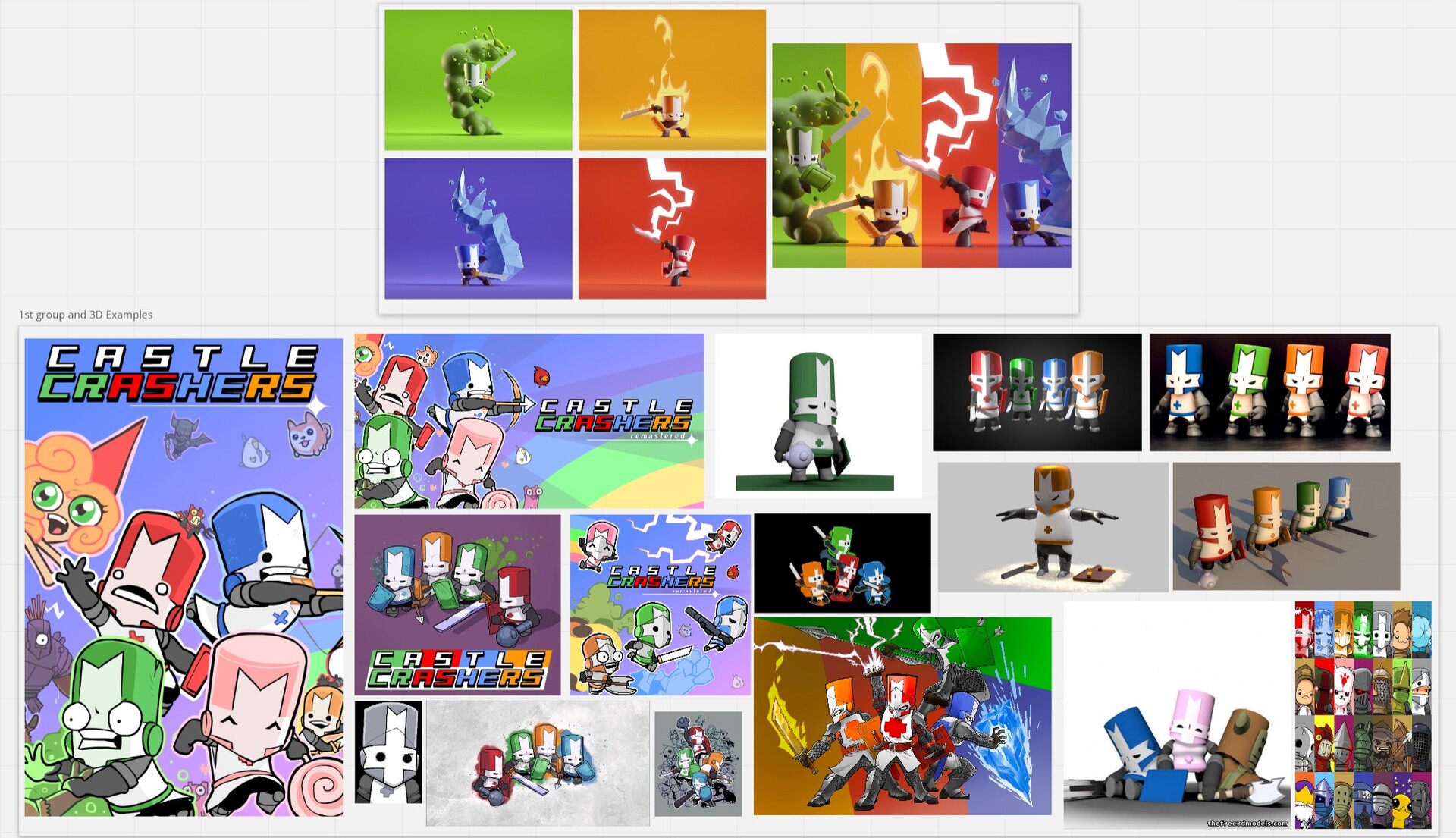
Reference created with miro
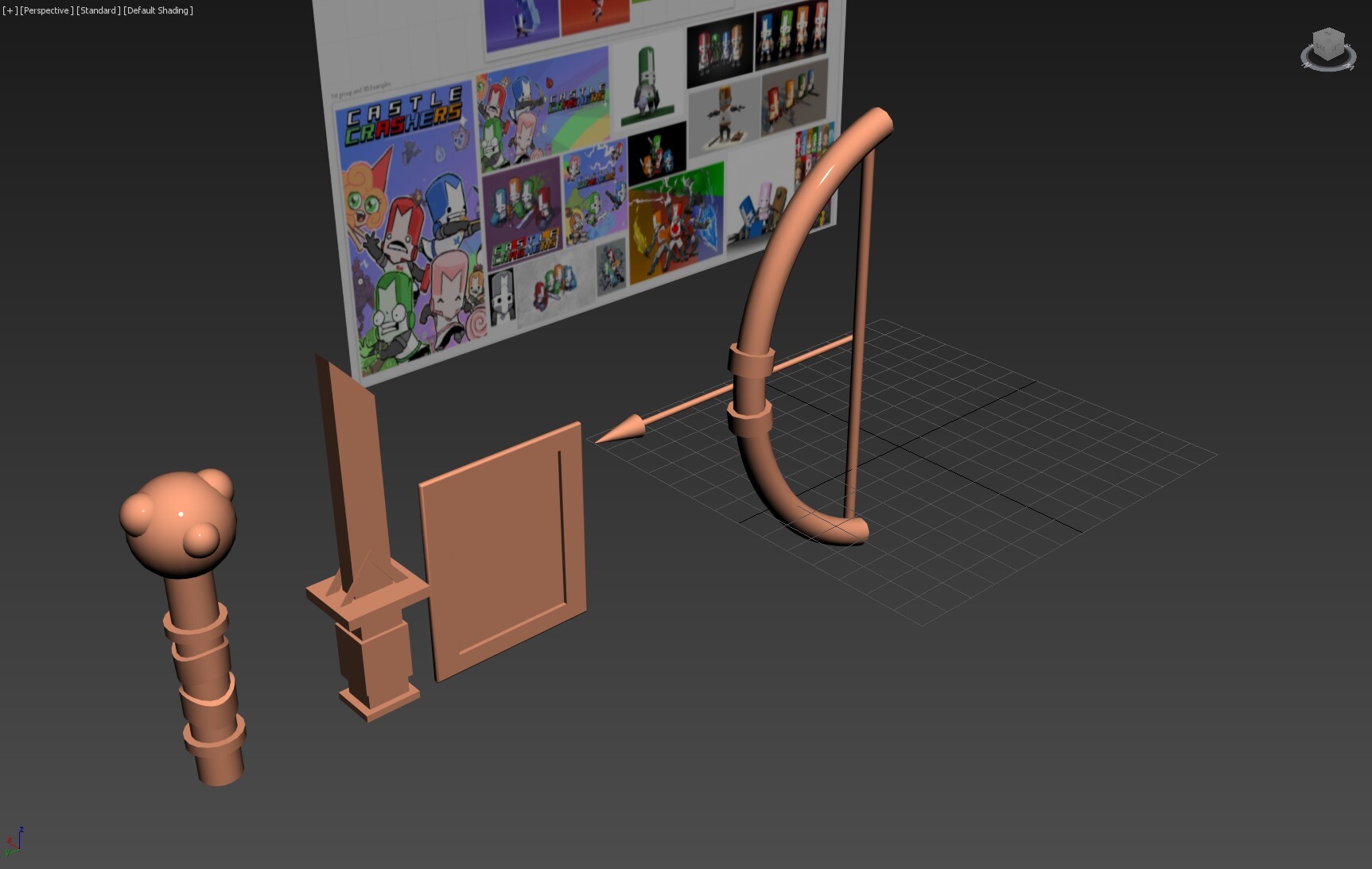
Finished models of weapons
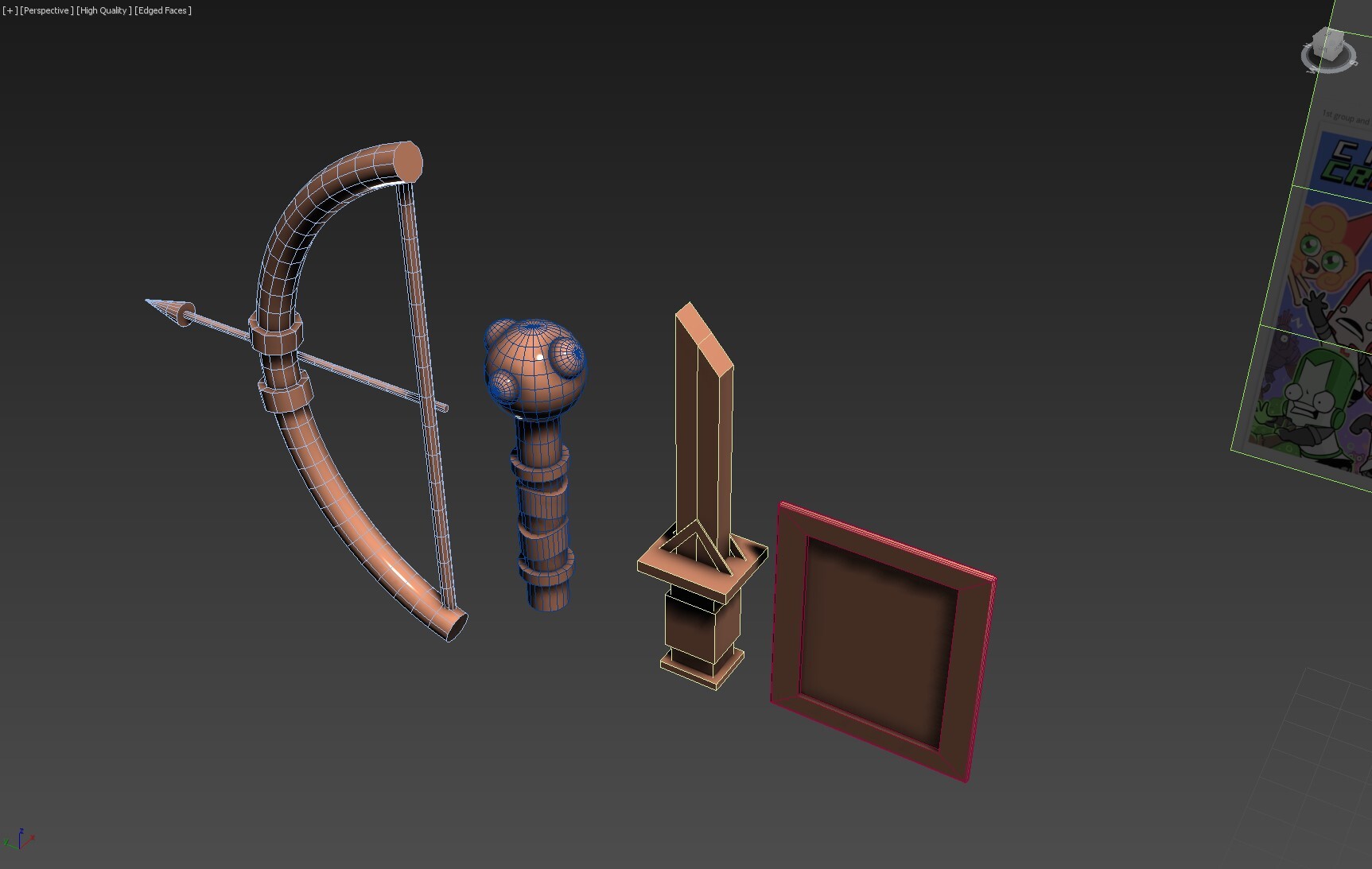
Finished models of weapons with wireframes
The tutorial used to create the chest and hands
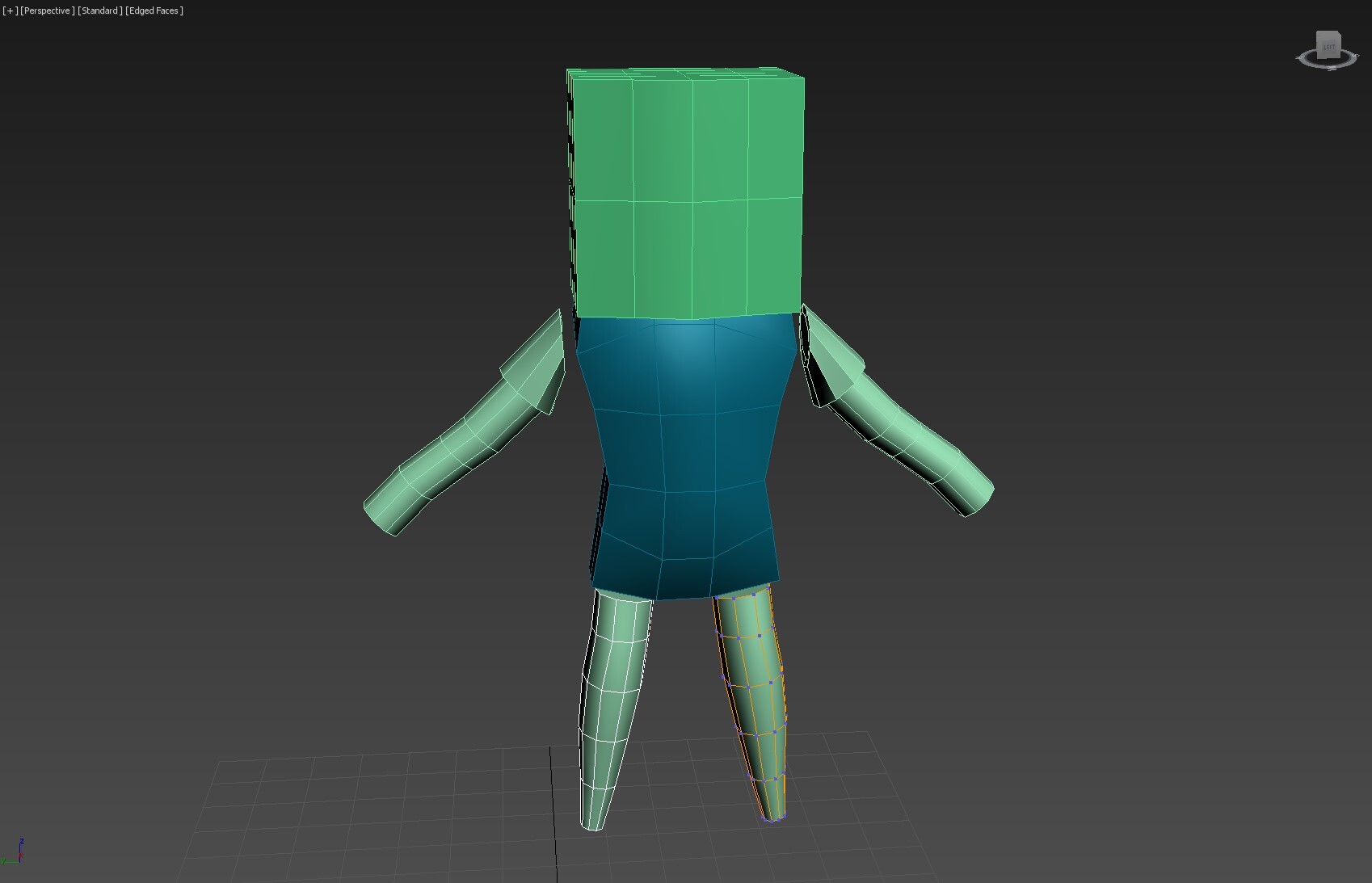
Beginning foundation of the character
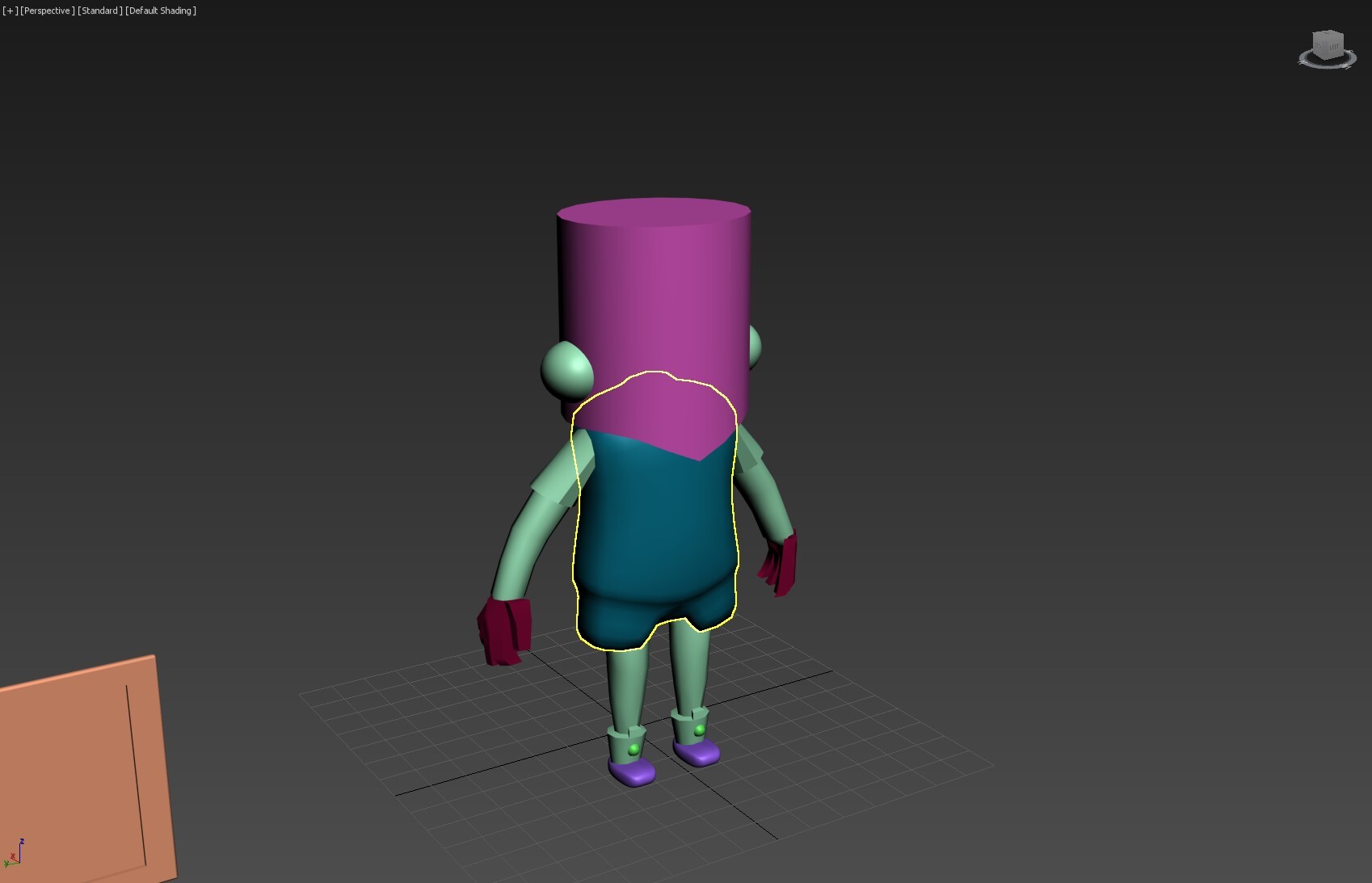
The character now with added feet and hands, alongside the head and fixed arms to be more in line with references

Finished model unwrapped

Still following my industry workflow, I apply base colors with materials added and manipulated with masks and poly fill

Examples of eyes created in Photoshop to use as decals on the character


crosses used on the chest


Face markings

Marmoset Stills of the finished character
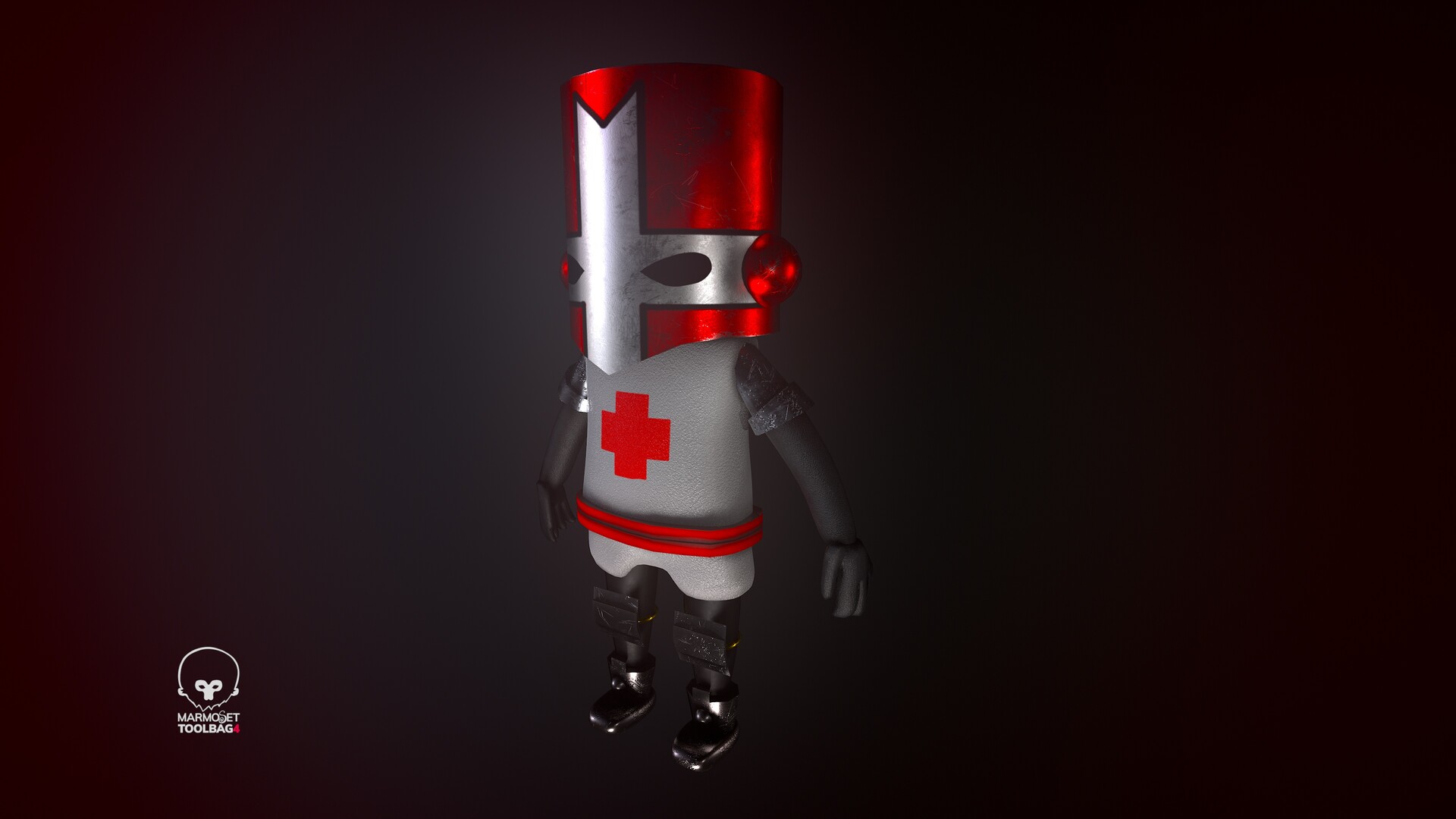


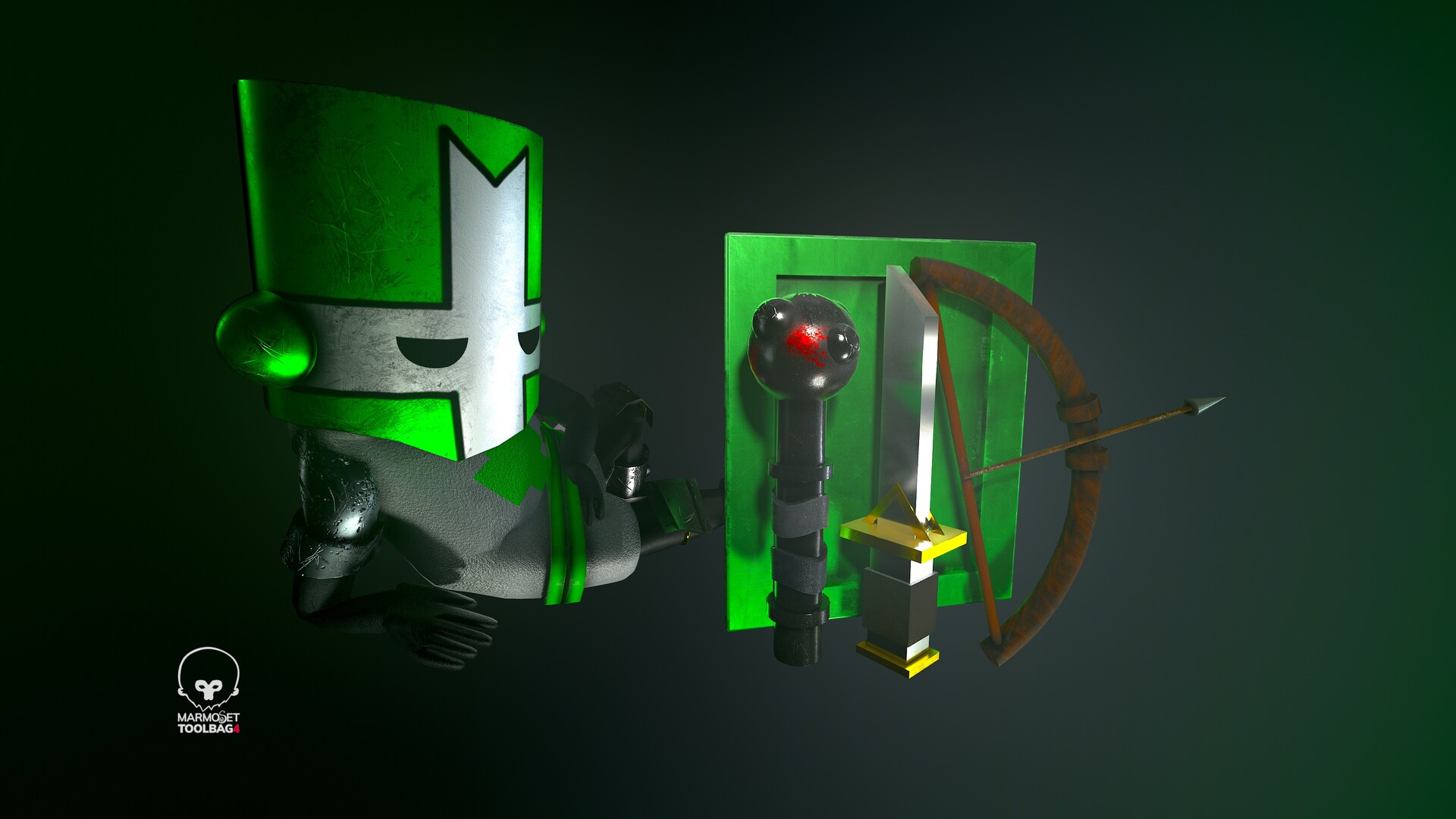
Exploring using mixamo to create skeletons for better poses


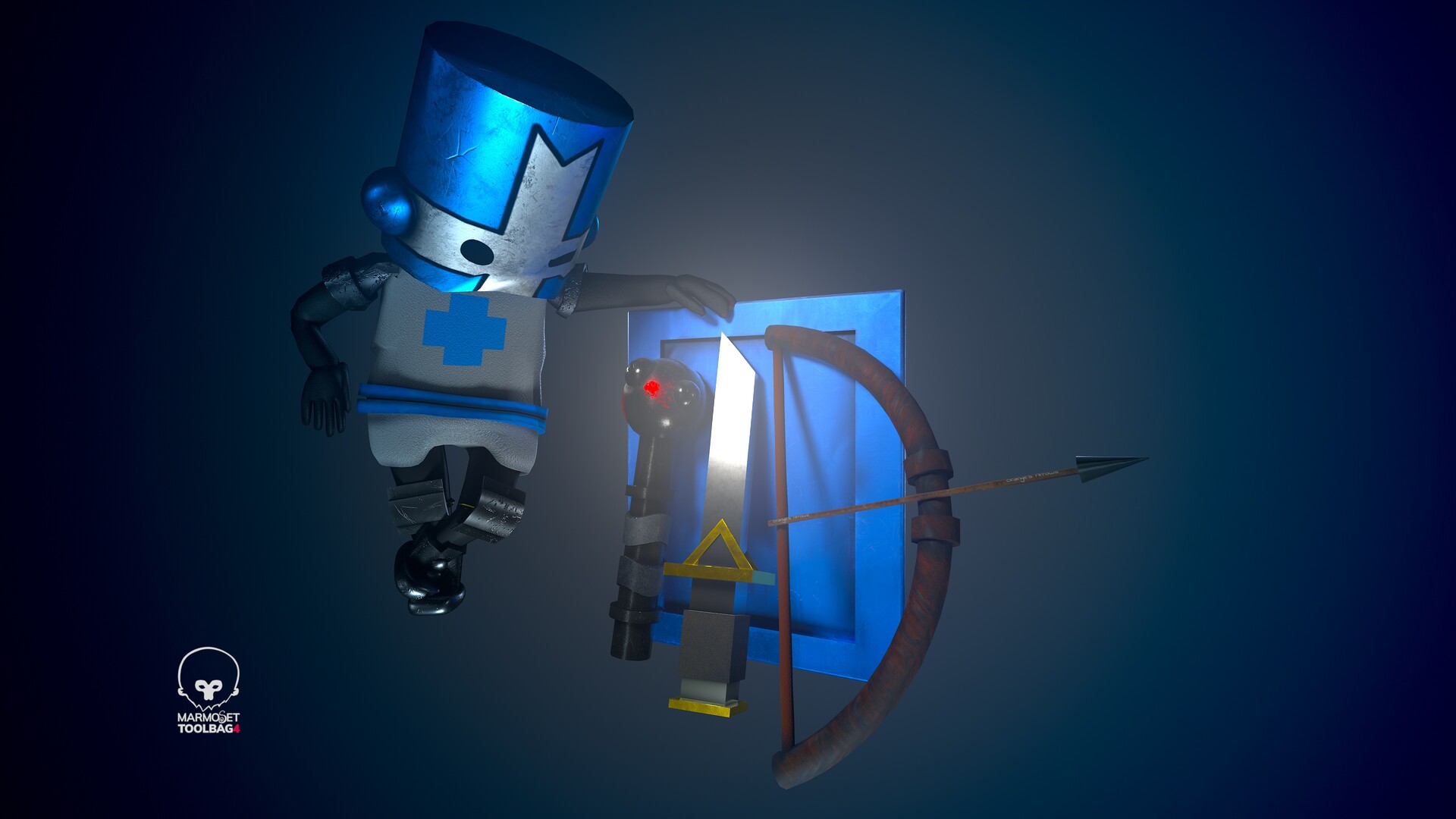


Marmoset Viewer so feel free to browse!